Monday, September 25, 2017

When Facebook goes shopping. 65 Facebook Acquisitions – The Complete List (2017)! [INFOGRAPHIC]

Good people of TechWyse – produced this infographic last year. Its a few month old but still so much relevant as Facebooks race for word domination keeps getting stronger.


Facebook or should we say, “The Facebook,” was created by Mark Zuckerberg in February 2004. Initially created solely for college students attending specific schools, Facebook reached one million users in just 10 short months after its inception. Eleven years later in 2016, Facebook has nearly 1.7 billion users! And this doesn’t include its other properties like WhatsApp, Instagram, and Facebook Messenger just to name a few.

During this wave of extreme growth, Mark Zuckerberg has acquired 68 companies till date. Facebook’s largest acquisition so far has been WhatsApp Messenger, which they purchased at $19 billion in February 2015. Other notable acquisitions include Instagram ($1 billion in April 2012) and Oculus Virtual Reality ($2 billion in March 2014).

Some of Facebook’s smaller purchases include the domain fb.com, which it bought for $8.5 million in November 2010 and the hosting and sharing platform Drop.io, which it bought for $10 million in October 2010. Just a few million dollars each, no big deal for Facebook, whose IPO started out at $38 per share (in May 2012), which sits at roughly $93 per share in mid/late-August 2015.

This infographic contains the complete list of companies acquired by Facebook founder Mark Zuckerberg from August 2005 till date.

A big thanks to the TechWyse Team who helped to design and manage this infographic. Well done guys!


  • AboutFace, August 2005 – $200 K
  • Parakey, July 19 2007
  • ConnectU, June 23 2008 – $31 Million
  • FriendFeed, August 10 2009 – $47.5 Million
  • Octazen, February 19 2010
  • Divvyshot, March 2 2010
  • Friendster, May 13 2010 – $40 Million
  • ShareGrove, May 26 2010
  • Nextstop, July 8 2010 – $2.5 Million
  • Chai Labs, August 15 2010 – $10 Million
  • Hot Potato, August 20 2010 – $10 Million
  • Drop.io, October 29 2010 – $10 Million
  • FB.com domain name, November 15 2010 – $8.5 Million
  • Rel8tion, January 25 2011 – Undisclosed
  • BELUGA, March 2 2011 – Undisclosed
  • snaptu, March 20 2011 – $70 Million
  • RecRec, March 24 2011 – Undisclosed
  • DayTum, April 27 2011
  • Sofa, June 9 2011
  • MailRank, June 9 2011
  • Push Pop Press, August 2 2011 – Undisclosed
  • Friend.ly, October 10 2011 – Undisclosed
  • Strobe, November 8 2011 – Undisclosed
  • Gowalla, December 2 2011
  • Instagram, April 9 2012 – $1 Billion
  • Tagtile, April 13 2012 – Undisclosed
  • Glancee, May 5 2012 – Undisclosed
  • Lightbox.com, May 15 2012 – Undisclosed
  • Karma, May 21 2012 – Undisclosed
  • Face.com, June 18 2012 – $100 Million
  • Spool, July 14 2012 – Undisclosed
  • Acrylic Software, July 20 2012 – Undisclosed
  • Threadsy, August 24 2012 – Undisclosed
  • Atlas, February 28 2013 – Less than $100 Million
  • Osmeta, March 2013
  • Hot Studio, March 14 2013
  • Spaceport, April 23 2013
  • Parse, April 25 2013 – $85 Million
  • Monoidics, July 18 2013
  • Jibbigo, August 12 2013
  • Onavo, October 13 2013
  • SportStream, December 17 2013
  • Little Eye Labs, January 8 2014 – $15 Million
  • Branch, January 13 2014 – $15 Million
  • WhatsApp, February 19 2014 – $19 Billion
  • Oculus VR, March 25 2014 – $2 Billion
  • Ascenta, March 27 2014 – $20 Million
  • Liverail, August 14, 2014 – $500 Million
  • ProtoGeo Oy, April 24 2014 – Undisclosed
  • Pryte, June, 2014 – Undisclosed
  • PrivateCore, August 7 2014 – Undisclosed
  • WaveGroup Sound, August 26 2014 – Undisclosed
  • Wit.ai, January 6 2015 – Undisclosed
  • Quickfire, January 8 2015 – Undisclosed
  • TheFind, March 14 2015 – Undisclosed
  • Surreal Vision, May 26 2015 – Undisclosed
  • Pebbles, July 16 2015 – $60 Million
  • Masquerade, March 9 2016 – Undisclosed
  • Two Big Ears, March 23, 2016 – Undisclosed
  • Nascent Objects, September 19 2016 – Undisclosed

The total cost of Facebook’s acquisitions to date is $ 23,124,700, 000. And that’s just from the acquisition costs they disclosed!


The post When Facebook goes shopping. 65 Facebook Acquisitions – The Complete List (2017)! [INFOGRAPHIC] appeared first on mojo media.


source http://www.mojomedia.pro/facebook-goes-shopping-65-facebook-acquisitions-complete-list-2017-infographic/

Sunday, September 24, 2017

How to find really cool icons and similar images for FREE!

Ok folks, when I posted that other post about how to find free stock photos one of my clients called me up and he had an interesting question.

He asked “all good about typical stock photos but where can I find some really cool icons.” I obviously told him where to find them but also thought you lot could also benefit from it.

There are two places where I usually go hunting for icons. Both has paid and FREE options. If you are using the free option make sure you always cite the actual author / designer.  Its just good Karma people.

Oh by the way – I am NOT an affiliate of either! haha

Iconfinder

Flaticons

Have fun!

The post How to find really cool icons and similar images for FREE! appeared first on mojo media.


source http://www.mojomedia.pro/find-really-cool-icons-similar-images-free/

21 Amazing Sites With Breathtaking Free Stock Photos

Ok, it has been a while since my last post. Been otherwise engaged in another project that has been taking a lot of my time. However, fret not, I promise to be a bit more regular from now on. 

Yesterday, Schnell, a of colleague of mine asked me if I knew any sites where she can get a few nice images for free. She is actually working on a pitch deck. So I can only understand why she wants it to look nice. So, I looked around a little and found this amazing post at Snappa. I hope it helps any one who is also looking for the same. 


Photography has always been an integral part of design. Unfortunately, we’ve grown accustomed to seeing crappy stock images of people in suits shaking hands. Not only are a lot of these stock photos tacky, but they cost a lot of money!

Thankfully, there’s been a growing number of websites with beautiful stock photography popping up all over the web. Best of all, they’re free!

In this post, we’ve curated a list of awesome websites for free stock photos.

Quick Note About Licenses

Many of these photographs are free from copyright restrictions or licensed under creative commons public domain dedication. This means you can copy, modify, distribute and perform the work, even for commercial purposes, all without asking permission.

However, some photos may require attribution. We’ve done our best to identify which license they fall under but we still advise you to do your own research and determine how these images can be used.

With that out of the way, let’s dive into our top picks for free stock photos.


StockSnap.io

StockSnap free stock photos

StockSnap.io has a large selection of beautiful free stock photos and high resolution images. The site also has a very handy search feature making it easy to browse through the thousands of images available. In addition, the site tracks views and downloads so you can find the most popular photos available.

StockSnap adds hundreds of images on a daily basis and all photos are released under creative commons public domain – no attribution required.

Unsplash

Unsplash free stock photos

Unsplash offers a large collection of free high-resolution photos and has become one of the best sources for stock images. The Unsplash team combs through new submissions and features the very best photos on their homepage. All photos are released for free under the Unsplash license.

Burst (by Shopify)

Burst free stock photos

Burst is a resource from Shopify that provides free stock photos for entrepreneurs. All photos are licensed under Creative Commons CC0 and can be used as you see fit.

Burst was launched to help entrepreneurs make better products, websites, and marketing campaigns. Most of the pictures are original photos that were taken in-house and are themed around trending business niches — everything from DIY beard oil to Aliexpress LED sneakers. You can also find more general photographs as well.

FoodiesFeed

Foodies feed free stock photos

FoodiesFeed offers thousands of beautiful realistic free food pictures in high resolution. It’s the perfect stock photo site for food bloggers.

Gratisography

Gratisography free stock photos

Gratisography offers free high-resolution pictures you can use on your personal and commercial projects. New awesome pictures are added weekly and are free of copyright restrictions. All pictures are captured by Ryan McGuire of Bells Design.

Negative Space

Negative Space free stock photos

Negative Space provides 20 new photos every week released under Creative Commons CC0. The photos are searchable and can be sorted by category, copy space and color.

Freestocks.org

Freestocks.org free stock photos

Freestock offers a wide range of high quality photos all released under Creative Commons CC0.

Picography

Picography free stock photos

Picography contains beautiful free stock photos submitted by Dave Meier and various other photographers. All photos are released under Creative Commons CC0.

MMT STock

MMT Stock photos

MMT Stock is a collection of high resolution photos provided by Jeffrey Betts. Jeffrey likes to share photos of computers and workspaces as well as flowers and nature. All photos are released under Creative Commons CC0.

SkitterPhoto

Skitterphoto free stock photos

SkitterPhoto offers a wide variety of free stock photos and are released under Creative Commons CC0. All pictures are authentic and created by Skitterphoto’s owners.

Life of Pix

Life of Pix free stock photos

Life of Pix is a resource created by the LEEROY creative agency offering free high-resolution photos with no copyright restrictions. New pictures are added weekly.

Little Visuals

Little Visuals free stock photos

This mention comes with a bit of sad news. The owner of the site Nic passed away but his photos remain in his memory. All photos that have been posted were released under the creative commons license public domain dedication.

Death to Stock Photos

Death to stock photo

Every month a photo pack of 10 photos within a certain category will be delivered to your inbox. The goal of Death to Stock Photos is to bring you a variety of options in which to use for your mockups, blog posts or social media.

Death to stock photo uses their own license which you can read on their webpage.

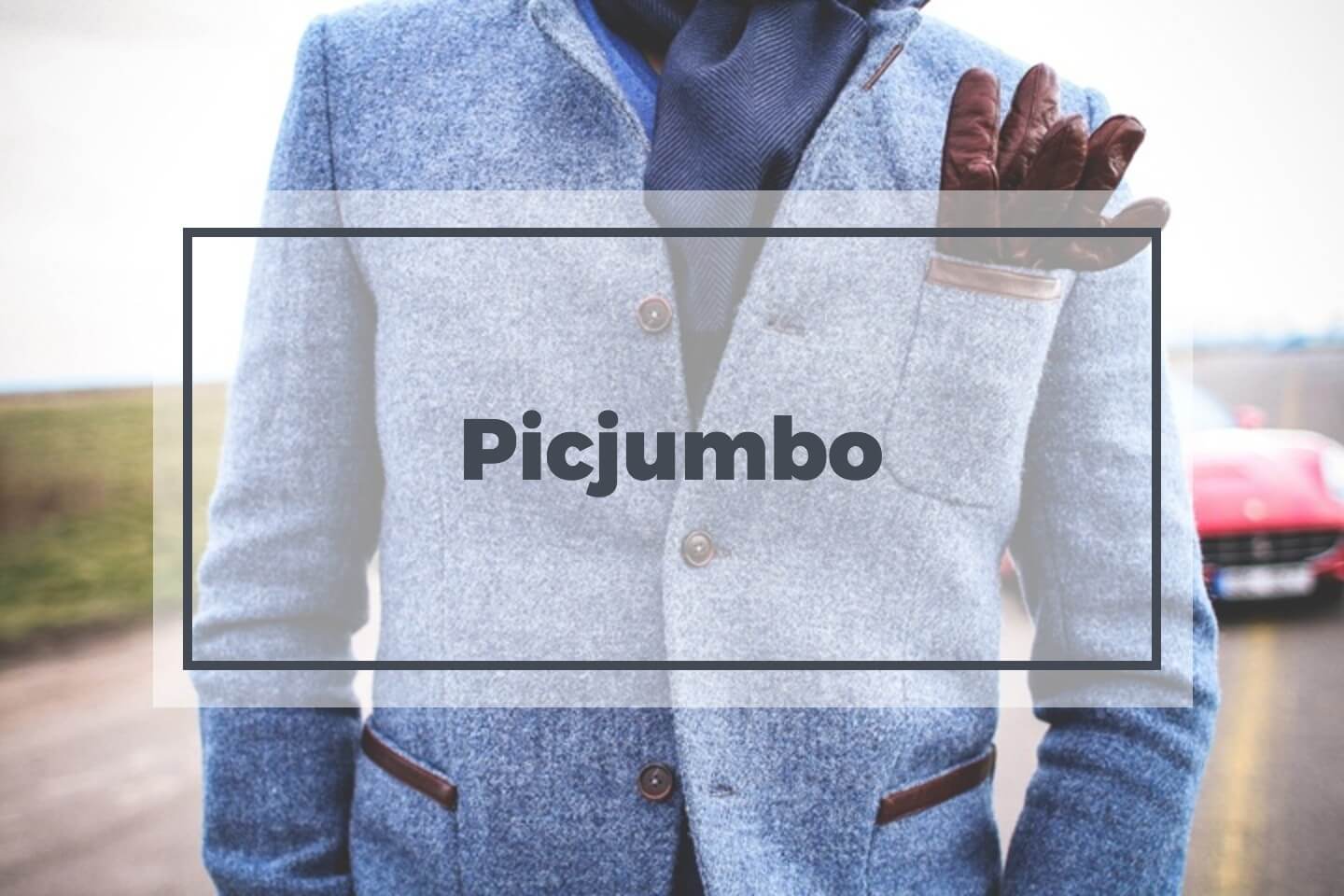
Picjumbo

Picjumbo free stock photos

Picjumbo is a collection of totally free photos for your commercial & personal works. New photos are added daily from a wide variety of categories including abstract, fashion, nature, technology and much more.

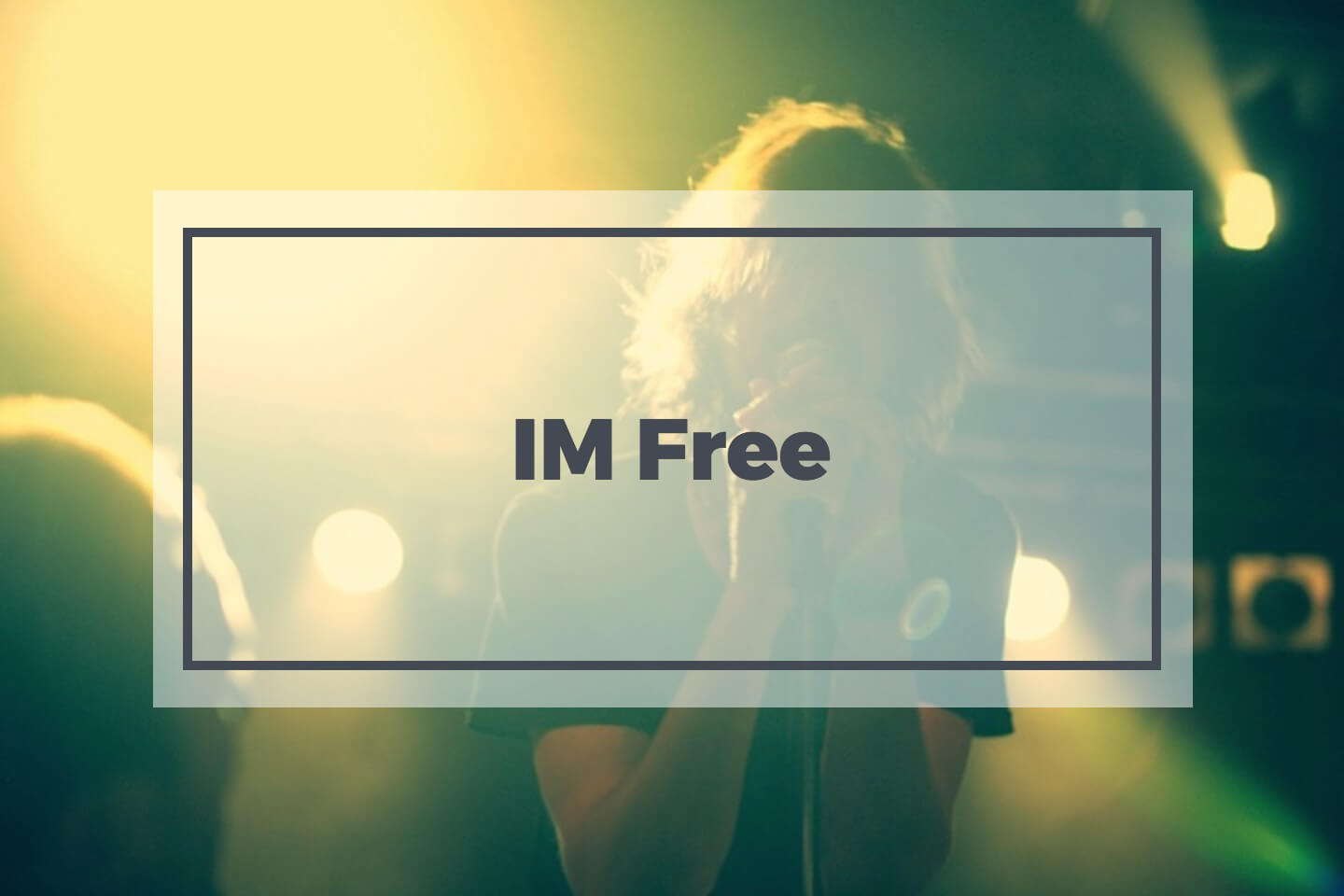
IM Free

IM Free stock photos

Photo by Kevin N. Murphy

A curated collection of free resources, all for commercial use. Since the photos are curated from various sources, some photos may require attribution.

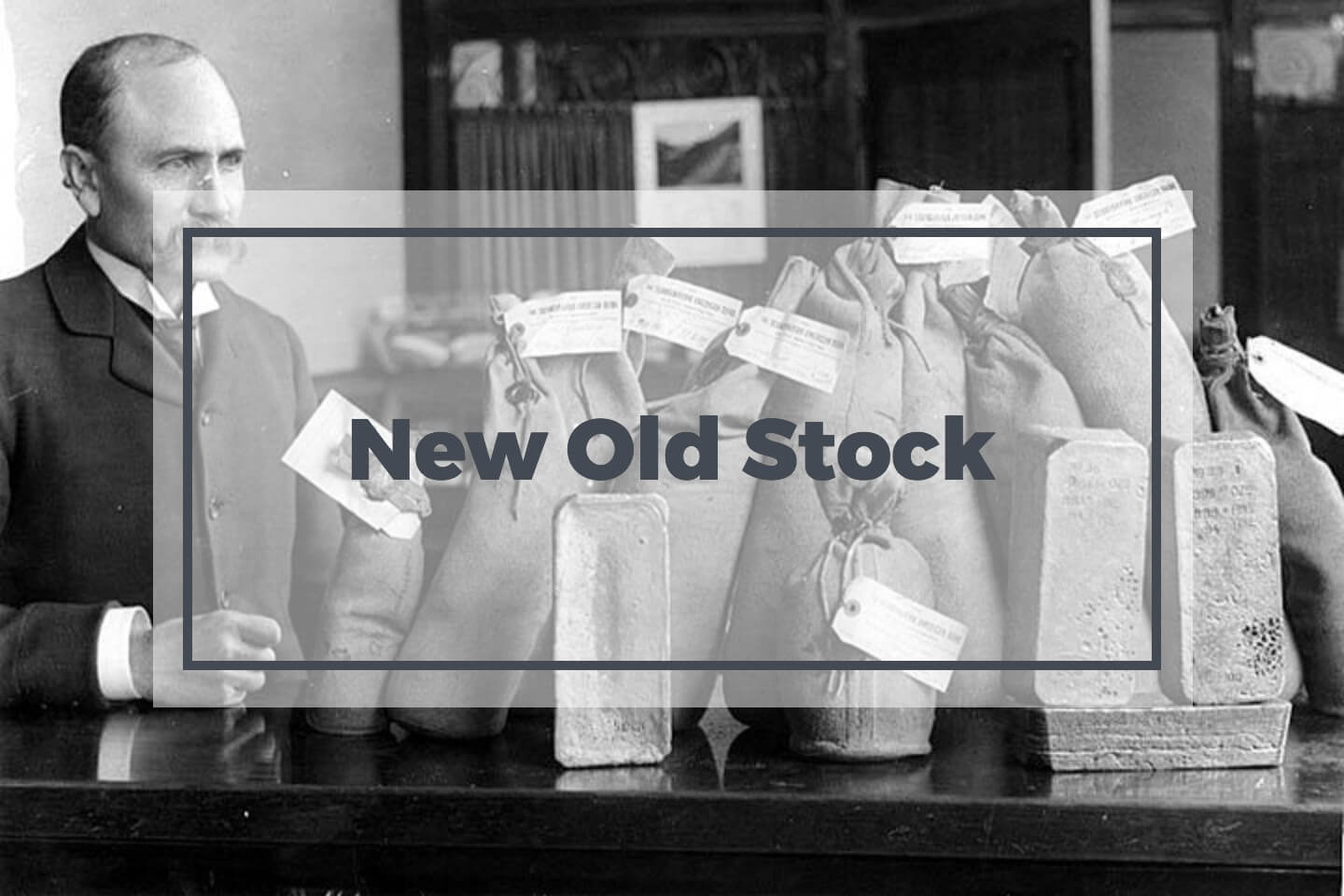
New Old Stock

New old stock photos

Vintage photos from the public archives free of known copyright restrictions.

Pixabay

Pixabay free stock photos

Pixabay offers a large collection of free stock photos, vectors and art illustrations. All photos are released under Creative Commons CC0.

Jay Mantri

Jay Mantri free stock photos

7 new photos released every Thursday under the Creative Commons CC0 license. Jay Mantri posts some really nice photos with a variety of different themes.

Kaboom Pics

Kaboom Pics stock photos

Kaboom Pics offers a wide variety of high quality free stock photos including abstract, city/architecture, fashion, food, landscapes and more. Photos can be used for commercial purposes but cannot be sold or redistributed.

Epicantus

Epicantus free stock photos

Epicantus contains free original photography by Daria. You can use these hi-res photos for your landing pages, blog posts & designs. All photos are released under creative commons CC0.

ShotStash

ShotStash free stock photos

ShotStash offers a broad range of photos; they add new images every day under a free for commercial and personal use license.

StyledStock

StyledStock free stock photos

StyleStock offers free feminine stock photography for every woman entrepreneur. The collection is totally free for your commercial & personal works.


Conclusion

As you can see, there’s a growing number of fantastic resources for stock photography. These websites have become a blessing for designers, marketers and bloggers. No need to rely on cheesy stock photos anymore!

The post 21 Amazing Sites With Breathtaking Free Stock Photos appeared first on mojo media.


source http://www.mojomedia.pro/21-amazing-sites-breathtaking-free-stock-photos/

Monday, July 31, 2017

12 SEO hacks I could not survive without!

Ok Folks found this old gem and had to share with you lot..

1. Ensure a killer user experience.

According to Neil Patel, user experience (UX) is often viewed as a separate discipline, but all of SEO is built on the foundation of user experience. SEO plays a crucial role in the process of UX, but UX serves SEO too.

You cannot have “good SEO” unless you have a good UX. Every aspect of SEO, no matter how technical, somehow gets back to producing a great UX. Patel lists why:

  • To have “good SEO,” you must have great content (a beneficial user experience).
  • To have “good SEO,” you must have a functional site (an error-free user experience).
  • To have “good SEO,” you must have logical site navigation (an easy user experience).
  • To have “good SEO,” you must have relevant keywords (a relevant user experience).
  • To have “good SEO,” you must have quality backlinks (a trustworthy user experience).

Patel concluded that “when you improve user experience, from any vantage, you upgrade your SEO strategy to a whole new level of awesome, and that should all be underpinned by the fundamentals of strategy.”

2. Pay close attention to your page titles.

Most people do not even notice page titles, but in search engine results, title tags are very prominent as they are the most noticeable part of your page in the search engine results. Your page title does not show up on the page itself. In many programs, the page’s headline automatically becomes your title, but you can adjust it. Pam Neely lists the three important steps:

  • Make sure every page on your site has a unique title tag.
  • Make sure they accurately describe each page.
  • Try to make them sound enticing.

3. Meta-page descriptions are ad copy. Write them with that in mind.

Meta description tags should be descriptive, but Neely urges you to make them attractive for your reader. Your pages are competing with ads in the search results, so write those page descriptions like they are ad copy rather than a robot’s notes.

4. Use ALT tags.

ALT tags let you add a text description to every image on your pages. They are an often overlooked, but easy way to optimize your pages, as most content-management systems make it very easy to add ALT tags. Neely advises you to sprinkle your keywords in as you write them, but to write them for humans instead of search engines.

Neely mentions that ALT tags are also important for social sharing. Some social platforms, like Pinterest, use the ALT-tag copy as the default description. Make sure the text people are sharing is the text you want that audience to see.

5. Reduce bounce rate with interactive content.

Neely explains that a “bounce” happens when someone comes to a page on your site and then leaves without clicking on anything. A bounce rate of less than 50% is great (and unusual); most blogs get about an 80% bounce rate.

There are many tactics to reduce bounce rates. Make your pages look easier to read and add interactive content. Interactive content includes a simple poll, a quiz, an embedded SlideShare or a video.

6. Link your webpages to each other.

Neely lists three basic kinds of links:

  • Inbound links are links on other sites that point to your site.
  • External links are links on your site that point out to other sites.
  • Internal links are links that go from one page on your site to another page on your site.

It is good to add a couple of external links to the content-heavy pages on your site, if they are respected sites and relevant.

Internal links are part of SEO best practices now. Add links in blog posts, on your About-Us page, and on pages with much content.

Google has clearly said they frown on most link-building tactics, but Neely offers some safe ways to build inbound links:

  • Create a piece of amazing content (infographic, eBook, video or otherwise) that others will want to link to.
  • Do some unique research and publish it as a report.
  • Guest post: publish unique, insightful articles on high authority sites.
  • Get the type of traditional business listings that are expectable, on sites such as Yelp, your local Chamber of Commerce, and trade organizations.

7. Use keywords in filenames of documents and images.

Using keywords in filenames helps your readers understand what is in the file or image, and as shown above: a good UX is good SEO. Do not “keyword stuff” your filenames though; use one or two keywords. This way, you give the search-engine bots more information about what your content is about, and every little bit helps.

  • A good file name: TranslationGuide.pdf
  • A bad file name: TranslationGuide_BuyTranslations_TranslationServices.pdf

Neely has the great tip of avoiding using underscores to separate words; use hyphens instead. Search engines see hyphens as spacers and underscores as letters.

8. Upgrade your keyword research.

Keyword research is another old-school SEO tactic that needs an upgrade. Neely claims that search engines are sophisticated enough now that simply inserting the same exact keyword all over your pages is not going to work. You will look like you are trying to manipulate the search results, which you are.

Use the Google Keyword Planner to identify your core keywords and use those keywords where they make sense. Vary them: plural versus singular, difference verb tenses, different word order, synonyms. You know, make the use seem like that of a human being.

Among SEOs, this type of keyword flexibility is known as “latent-semantic indexing.” It is how search engines associate different terms. Increasingly more, search engines are using keywords like concepts or topics, so we should too.

9. Make your content easy to read.

As you need to write for humans rather than robots, your pages and content should be easy to read. To make your pages look easier to read, use these tricks that Neely offers:

  • Write short paragraphs.
  • Punctuate those short paragraphs with a one-sentence paragraph every so often.
  • Use sub headers.
  • Use bullet points like this list
  • Add images every 350 words or so.
  • Add quotes and call-outs.

10. Do not forget social media.

If you have read the first trend mentioned in this blog, you will not be surprised by this. Make your content easy to share and share it with your audience. Sharing gets your content more attention, which increases its chances of attracting links from other sites. Social signals are now also a ranking signal and Tweets are indexed. Finally, social-sharing buttons have become an important part of search-engine optimization.

11. Write more content

According to Patel, the content-marketing boom has produced an undesirable side effect: there is much lousy content out there. Because of all this low-quality content, many thought leaders have said, “We have a problem.”

Some call it “content shock” — the emerging marketing epoch defined when exponentially increasing volumes of content intersect with our limited human capacity to consume it. The premise of that statement is flawed, according to Patel: “Of course, individuals cannot consume all the content, nor is anyone asking them to.”

Patel agrees that low-quality content is a problem, but does not agree that more content is a problem. He has increased his output with success: “My SEO has skyrocketed, my traffic has exploded, and my marketing funnels are blowing up with fresh, qualified leads.”

More content is better as long as it is rock-solid, kickass content. Your audience will select the best content available. Your content can be the best. And the more of it, the better.

12. Register your website with Google and Bing webmaster tools

As Alex Chris says, not having your website registered with the webmaster tools is like driving with your eyes closed. He urges you to take advantage of the plethora of information given to you by both Google and Bing.

Apparently, some people believe that by not registering your website with Google, you can ‘hide’ things from them, slip under their radar, and reach the top of the search results. I personally do not see how hiding and getting the best results are linked…

Chris states that this “is not a ‘hide and seek’ game: good long-term rankings can only be achieved if you follow valid methods and techniques. For the record: Google already knows everything they need to know about your website with or without submitting it to webmaster tools.”

Which of these 12 SEO tips did you find the easiest and most helpful?


First seen here!


The post 12 SEO hacks I could not survive without! appeared first on mojo media.


source http://www.mojomedia.pro/12-seo-hacks-i-could-not-survive-without/